

Product development falls apart when product managers, engineers, and UX/UI designers behave like separate camps. You see it in every stalled roadmap: features ship late, metrics flatline, and everyone argues about “priority” instead of looking at users.
This guide breaks down the best UX/UI practices for product development teams that want predictable delivery, measurable outcomes, and fewer meetings that go in circles. It’s written for founders, product leaders, and design teams who care about results, not theater, and want practical habits they can try in the next sprint.
UX/UI As A Strategic Partner, Not “The Team That Makes Screens Pretty”
If you treat UX/UI as a service desk for wireframes, you’ll keep shipping products that look okay and perform poorly.
Design has a direct line to revenue and cost:
- Well-known research still quoted in 2025 board decks shows design-led companies outpacing their peers on growth over multiyear periods.
- The often-cited Forrester analysis that every dollar invested in UX can return up to $100 still gets used to justify UX headcount because the economics haven’t changed.
- Fixing UX problems during design is still about 5–10x cheaper than fixing them after development.
“Design is not just what it looks like and feels like. Design is how it works.” — Steve Jobs
That’s why the best UX/UI practices for product development teams start with one principle:
UX and UI are part of product strategy, not decoration.
Put design in the room where decisions happen:
- Include UX in product strategy reviews, not just sprint planning.
- Give UX/UI a clear voice in priority calls, especially when user evidence contradicts stakeholder opinions.
- Tie UX work to business metrics (activation, retention, expansion, support cost), not just “design quality.”
If design doesn’t influence what you build, you’re leaving money on the table.
Clarify Roles Between Product Management And UX/UI
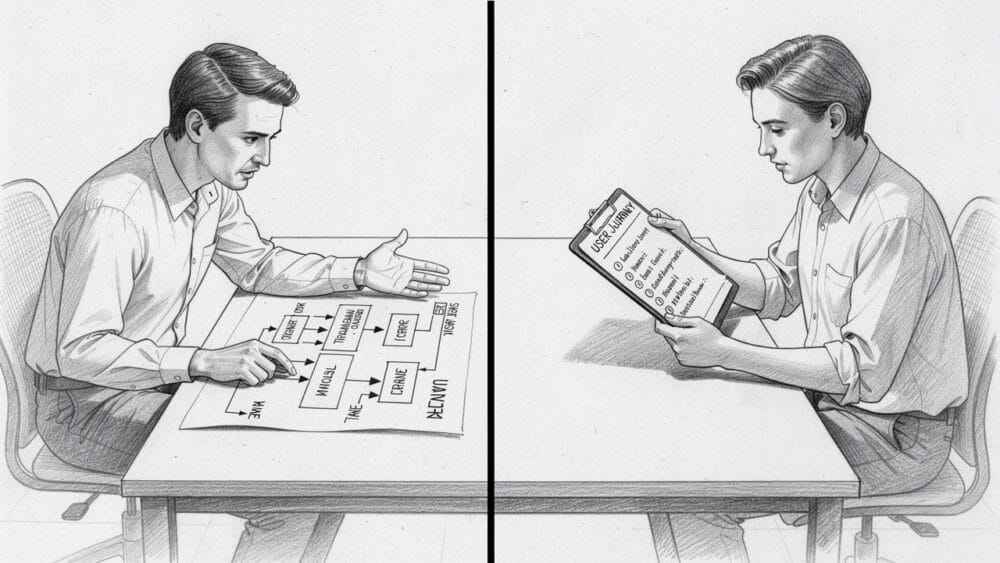
On many teams, the roles of product managers and designers overlap constantly. That’s normal—and good—as long as you’re explicit about who owns what.
Resources like this breakdown of how designers and product managers overlap are helpful, but you still need your own agreement.
Product Manager: Outcomes And Decisions
The product manager owns:
- Problem definition and business goals
- Market positioning and pricing input
- Prioritization and roadmap
- Stakeholder communication and expectation-setting
- Final trade-off calls when conflicts arise
UX/UI Designer: Experience And Evidence
The UX/UI team owns:
- Understanding user behavior and context
- Information architecture and interaction patterns
- Visual design and accessibility
- Prototypes and usability validation
- Design quality across platforms
A good PM doesn’t micromanage layouts. A good designer doesn’t quietly accept features that contradict what users need. The best collaborations mirror the product manager’s supportive role: PMs set direction and constraints; designers push back with evidence.
Agree on three things up front:
- Who has the final say on scope when time or budget is tight.
- What evidence is required before overturning a UX or product decision.
- How disagreements are resolved (e.g., time-boxed exploration and a quick user test instead of weeks of debate).
If you don’t define this, you’ll live in permanent gray areas and endless Slack threads.
Start With A Shared Foundation: Problem, Users, And Success Metrics
Most product-team drama comes from this simple issue: people are solving different problems in their heads.
To apply the best UX/UI practices for product development teams, you need a shared foundation before anyone opens Figma or starts writing tickets.
Align On The Problem And Who It’s For
Get PMs, UX, engineering, and a business stakeholder into one working session and agree on:
- What exact problem are we solving?
- For which user segment?
- What happens for the business if we solve it well or badly?
Use short, living artifacts instead of 40-page decks:
- One-page problem statements
- Lightweight user personas that are updated when new research comes in
- A single slide that shows how this problem maps to revenue, cost, or risk
Keep these artifacts easy to find and update so people actually use them in day-to-day decisions.
Define Measurable Success Early
Decide before design starts:
- What does “success” look like in 3–6 months?
- Which metrics will we watch?
For most SaaS and digital products, that means:
- Activation and time-to-value
- Task completion rates and error rates
- Retention and expansion behavior
- Support ticket volume per feature
Write these as simple hypotheses:
“If we reduce onboarding steps from 8 to 4, we expect 15–20% more users to complete setup in their first session.”
Now design, engineering, and product are aiming at the same target—and you can tell if a change worked or not.
Best UX/UI Practices For Product Development Teams
Here are the practices that consistently separate high-performing teams from the ones stuck in rework.
1. Make User Research Continuous, Not A One-Off Phase
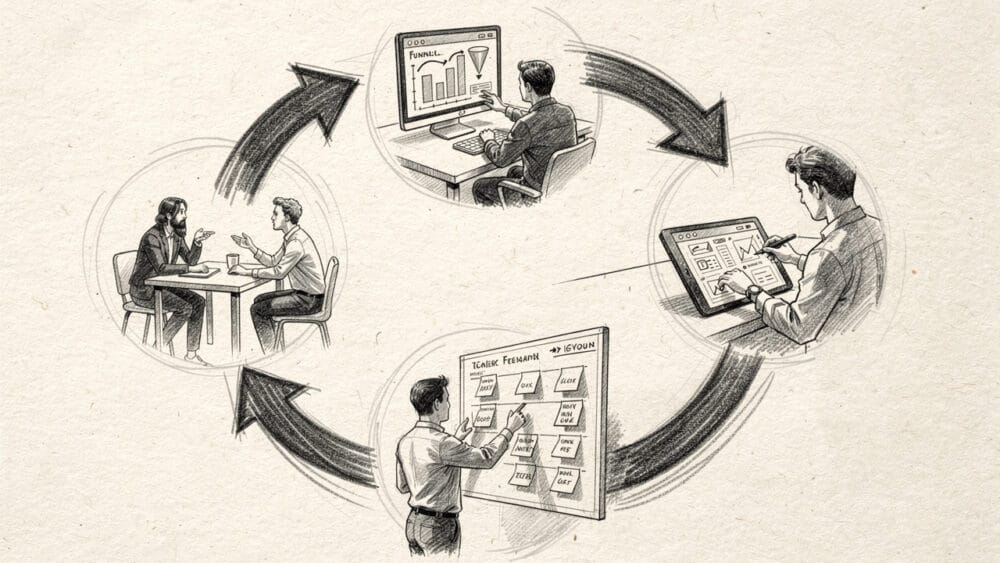
User research isn’t an event; it’s a habit.
Blend qualitative and quantitative methods — drawing from a broad toolkit is essential, as outlined in the UX Research for Design Ops and product teams framework:
- Qualitative
- Short, focused user interviews
- Contextual inquiry (watch people use your product in their real environment)
- Lightweight usability tests on low- and high-fidelity prototypes
- Quantitative
- Product analytics and funnels
- User flow analytics
- In-product surveys and feedback widgets
Treat personas and experience maps as living documents. Update them when patterns change. Don’t keep using the same persona deck from three years ago while your market has shifted.
“Pay attention to what users do, not what they say.” — Jakob Nielsen
Set a minimum cadence — the UX Research Strategy: A Practical Guide helps teams build exactly this kind of structured, ongoing research rhythm:
- At least one usability test round per sprint or per feature slice
- Monthly deeper dives on one key workflow
- Quarterly competitor benchmarking that goes beyond aesthetics to workflow time and error rates
This is how you keep UX grounded in reality instead of internal opinions.
2. Turn Research Into Decisions, Not Reports
Collecting data is easy. Turning it into decisions is where teams stall — The Ultimate List of UX research methods can help teams identify the right tools for each stage of that process.
Use a simple “insight → decision → result” loop:
- Prioritize findings
Rank UX findings by:- User impact (how many users, how painful)
- Business impact (revenue, cost, risk)
- Effort (design + engineering)
- Write explicit hypotheses
Example: “If we show a clearer progress indicator and remove one form field, we’ll cut onboarding drop-off from 45% to 30%.” - Prototype and test
No more giant redesign projects with fuzzy goals. Build targeted prototypes around high-impact issues and test them quickly. - Measure and decide
Ship the change, look at the numbers, and either keep it, roll it back, or iterate.
Use dashboards, not PDFs. A simple view that highlights friction points beats a 60-slide research deck every time.
This is exactly the kind of insight modern product managers need; if you want a deeper read on why, this piece on understanding the needs of everyone on the team is worth sharing internally.
3. Automate Repetitive Work So People Can Think
Product managers and designers spend too much time on status updates, manual tracking, and admin work. That’s time not spent on users.
Introduce automation where it reduces noise:
- Auto-assign tasks based on rules and templates
Tools like Smartsheet’s automating tasks features let you route work based on triggers. - Use boards and workflows that match how your teams really operate
Trello’s boards are a simple example of how multiple boards and workflows can mirror product discovery, delivery, and design review.
Good automation helps you:
- Keep backlogs in sync without manual copy-paste
- Trigger user follow-ups after certain behaviors (e.g., failed onboarding)
- Maintain visibility across multiple teams without constant meetings
The goal isn’t “more tools.” The goal is less friction so designers and PMs can spend their energy on judgment calls, not housekeeping.
4. Align Cross-Functional Workflows Across Teams
As product lines grow, you often end up with multiple UX/UI groups and squads working differently. That’s when you see the same problems solved three different ways.
Standardize just enough:
- Use a shared workflow model
Systems like Asana’s project workflows show what “idea → discovery → design → build → release → learn” looks like in your org. - Create a common design system
Shared components, patterns, and tokens give designers and engineers a common language and reduce rework. - Define a consistent “definition of ready” and “definition of done” for UX work
For example, “ready” = problem framed, success metric defined, at least one user insight; “done” = tested with at least 5 users or validated in production metrics.
Cross-functional tools are not just about visibility. They also help teams build empathy for each other’s constraints, which is the base of any stable partnering between PM and design.
5. Validate Early With Real Users And Early Adopters
The fastest way to waste a quarter is to polish a feature nobody wants.
Instead:
- Get mockups in front of users in days, not months
- Run quick, scripted tests on prototypes before tickets are written
- Involve early adopters in pilot programs and betas tied to specific metrics
Most of the real work in UX/UI is reworking and improving an existing design. Treat that as normal, not failure.
When budgets feel tight, PMs often hesitate to bring UX in early. That’s backwards. Early design and testing is where you save money; late fixes are where you burn it.
6. Design For Accessibility, Performance, And Context
As of 2026, there’s no excuse for ignoring accessibility or performance in SaaS and digital products. Beyond legal exposure, both directly affect usage and revenue.
Build non-negotiables into your best UX/UI practices for product development teams:
- Accessibility
- Aim for WCAG 2.2 AA as your minimum bar.
- Provide keyboard access, screen-reader support, and clear focus states.
- Test with people who rely on assistive tech, not just automated checkers.
- Performance
- Keep key flows under a few seconds; research has shown for years that more than half of mobile users drop if a page drags beyond three seconds, and that pattern hasn’t improved.
- Use performance budgets for pages and critical APIs.
- Design with perceived speed in mind: skeleton screens, priority loading for the most important content.
- Context And Platform
- Decide intentionally when to go mobile-first, desktop-first, or fully responsive.
- Recognize that field teams on phones and analysts at desks have different needs, even in the same product.
Accessibility and speed are not “nice to have.” They are table stakes.
Working Together Inside Agile Without Chaos
Most SaaS and product teams now claim to be “agile,” but UX is often bolted on the side.
Here’s what effective integration looks like.
1. Run Dual-Track: Discovery And Delivery In Parallel
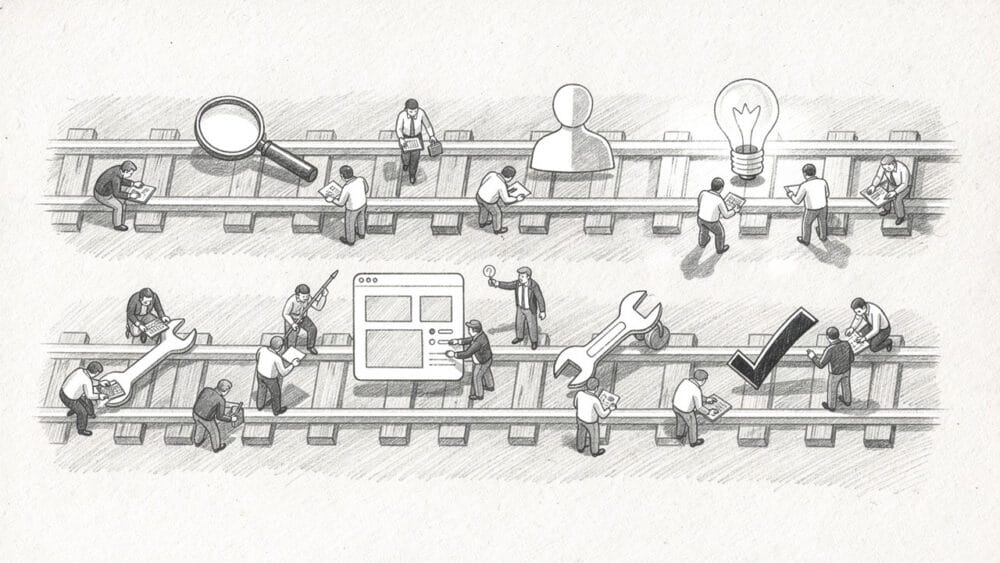
Instead of feeding designers a list of features, split work into two continuous tracks:
- Discovery track
- PM + UX own problem framing, user research, and experimentation.
- Output: clear problem statements, success metrics, tested concepts.
- Delivery track
- Engineering + UX/UI own building, refining, and measuring product changes.
- Output: production-ready features with tracking in place.
Design is always one or two sprints ahead on discovery, but tightly connected to delivery so reality checks keep happening.
2. Use Short, Shared Rituals
Keep your collaboration lightweight but consistent:
- Weekly PM–UX sync (30 minutes)
- Review research findings, priority decisions, and any open trade-offs.
- Design crits with PMs present
- Not to bikeshed visuals, but to confirm that flows align with the problem and metrics.
- Post-release reviews
- Look at product analytics and support tickets together.
- Decide what to adjust instead of just moving to the next feature.
Reference materials like this piece on the product manager’s supportive role can help reset expectations when people slip back into old habits.
3. Use Design Sprints When You’re Stuck, Not As A Religion
Design sprints are useful when:
- The issue is big, fuzzy, and politically sensitive.
- You can get the right people in a room (PM, UX, engineering, sales/support, sometimes a customer).
- You’re willing to test a bold idea quickly.
For complex B2B or B2B or SaaS products, extend the classic 5‑day sprint to 6–7 days if you need more stakeholder time. The output should be:
- A tested prototype of the core flow
- Clear user feedback
- A realistic plan for what goes into the backlog
If your sprints generate shiny prototypes and then disappear into a folder, you’re doing theater, not product work.
Common Failure Modes Between Product And UX – And How To Avoid Them
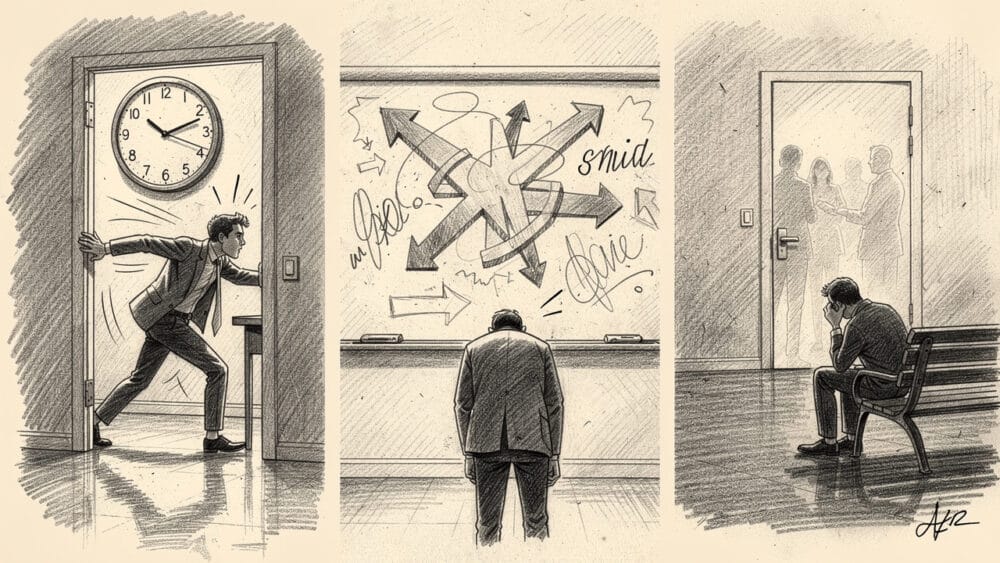
Even strong teams fall into predictable traps. Here are the patterns that show up again and again.
1. Role Confusion And Decision Whiplash
Symptoms:
- PMs rewriting copy and layouts themselves
- Designers quietly ignoring roadmap constraints
- Decisions reversing weekly based on whoever shouts loudest
Fix:
- Revisit and document the PM/UX split of responsibilities.
- Make decision rights explicit.
- Keep a decision log so people can see why choices were made and avoid churn.
If you need a reminder of how messy things can get without this, read through a list of common product development misunderstandings and see how many you recognize.
2. No Shared View Of Process
Symptoms:
- Each team has its tool stack and way of working.
- Designers feel like “ticket-takers.”
- Engineers see UX as slowing them down.
Fix:
- Create a clear, visual view of your end-to-end flow from idea to learning, using tools like Asana’s workflow management.
- Standardize a minimal set of tools and rituals across teams.
- Use automation (see above) to keep information flowing without manual status updates.
3. Treating Design As A Late-Stage Polish
Symptoms:
- UX/UI was pulled in a week before launch.
- No time left for user testing or iteration.
- Stakeholders are surprised when designers raise basic usability issues right before release.
Fix:
- Add UX milestones earlier in the roadmap.
- Make usability risk a first-class concern during planning.
- Enforce a rule: no feature is ready for build without at least a sketched flow and a defined success metric.
The design process articles you see for mobile app designers apply just as much to SaaS and B2B tools—ignoring them because “we’re moving fast” is how you end up moving in circles.
Final Thought: Put The “U” Back In Product Decisions
You can have strong engineers and smart product managers and still ship a weak product if the user is an afterthought.
The best UX/UI practices for product development teams all point to the same simple pattern:
- Agree on the problem, the user, and the success metric.
- Give UX/UI a real seat at the decision table.
- Base arguments on research and data, not opinions.
- Reduce busywork so PMs and designers can focus on thinking.
- Treat accessibility, performance, and clarity as non-negotiable.
Do this, and the product manager’s role starts to look less like a professional plate-spinner and more like a leader guiding a team that knows how to build things people actually use. That’s the point.