
Product and UX
- PRD outlines and criteria
- UX audit checklists
- Bug triage/reproduction templates


Chrome, Edge, Brave, and other Chromium browsers supported.
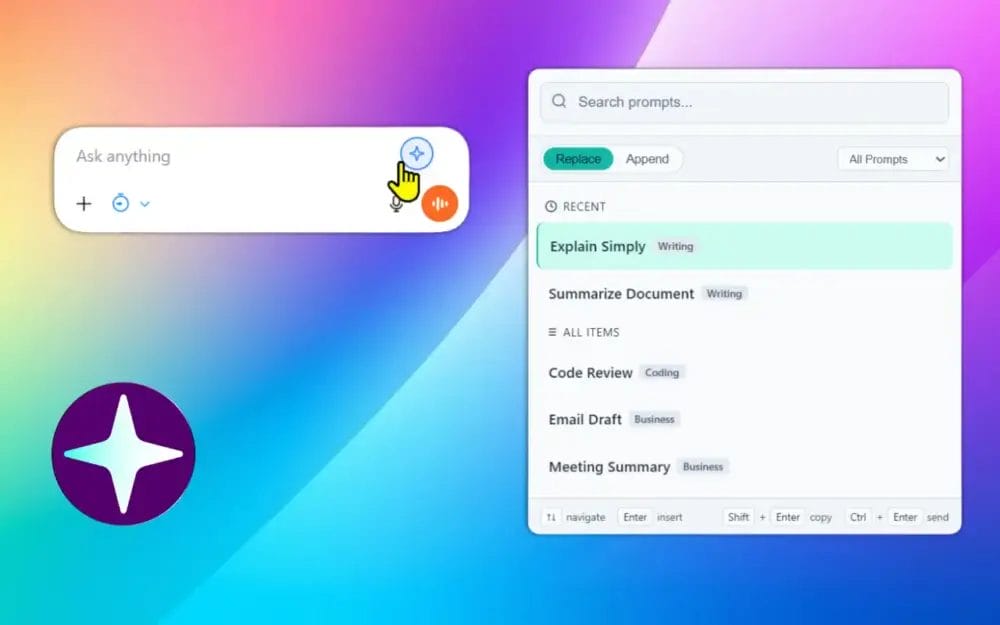
Fast - Private - Local Data
No new workflow. Keep using your favorite AI platform - Powered Prompts sits quietly on top.





Your prompts into AI chat under 2 seconds
This is built for speed and repeatability: store prompts once, reuse them forever – without copy-paste chaos.
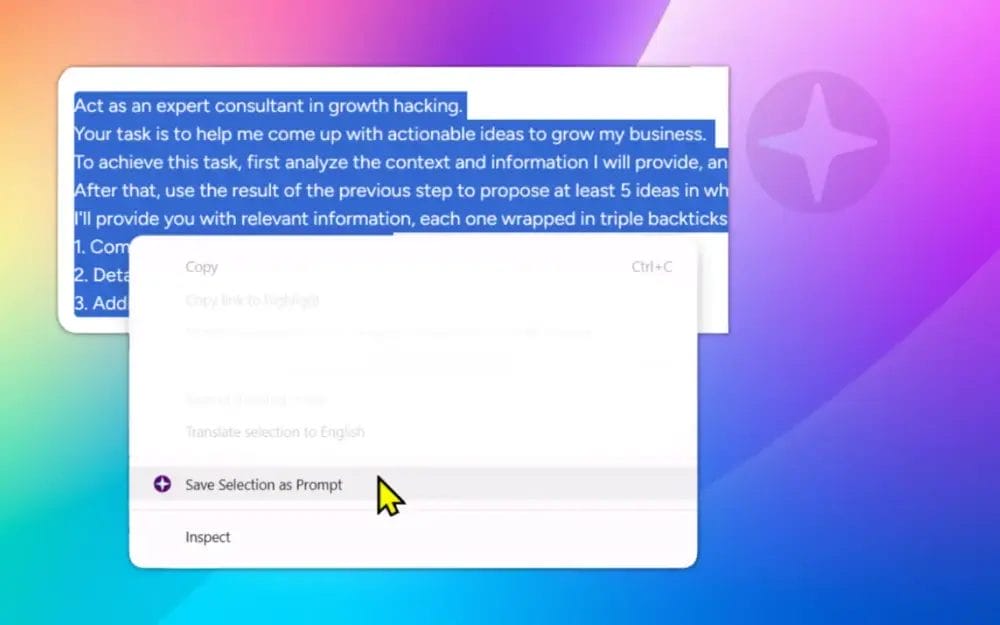
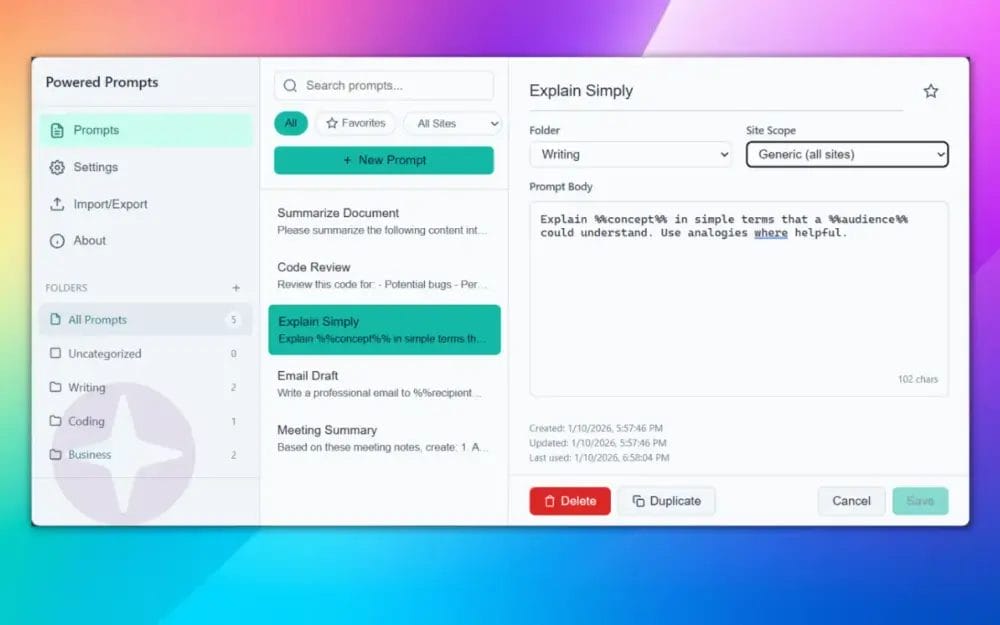
Powered Prompts built with a simple philosophy: your data belongs on your device, not our servers.
If you have ever typed the same prompt twice, you are the target audience.
Short answers. Not marketing fluffs.
Yes. Prompts are stored locally via chrome.storage.local. The extension does not require an account or a server.
None. There is no analytics, no tracking, and no prompt data is transmitted externally.
To inject a content script on supported AI platforms so it can detect the chat input field, show the trigger icon, insert prompts, and optionally simulate send for Insert+Send mode. By default this is limited to the supported sites only.
Universal Mode lets you insert prompts into any text field on any website. It requests broader permissions only when you enable it. If you do not enable it, the extension stays scoped to the supported AI sites.
Yes. The shortcut is configurable. If it conflicts with another tool, change it in the extension settings.
Use %%variable%% syntax in your prompt. When inserting, the extension asks you to fill values. Previously entered values are remembered for speed.
Use JSON export/import in the extension. This is the clean way to move prompts between devices without any cloud sync.

Install Powered Prompts and keep your best prompt library one hotkey away.
 Powered Prompts © by Ruhani Rabin 2026