
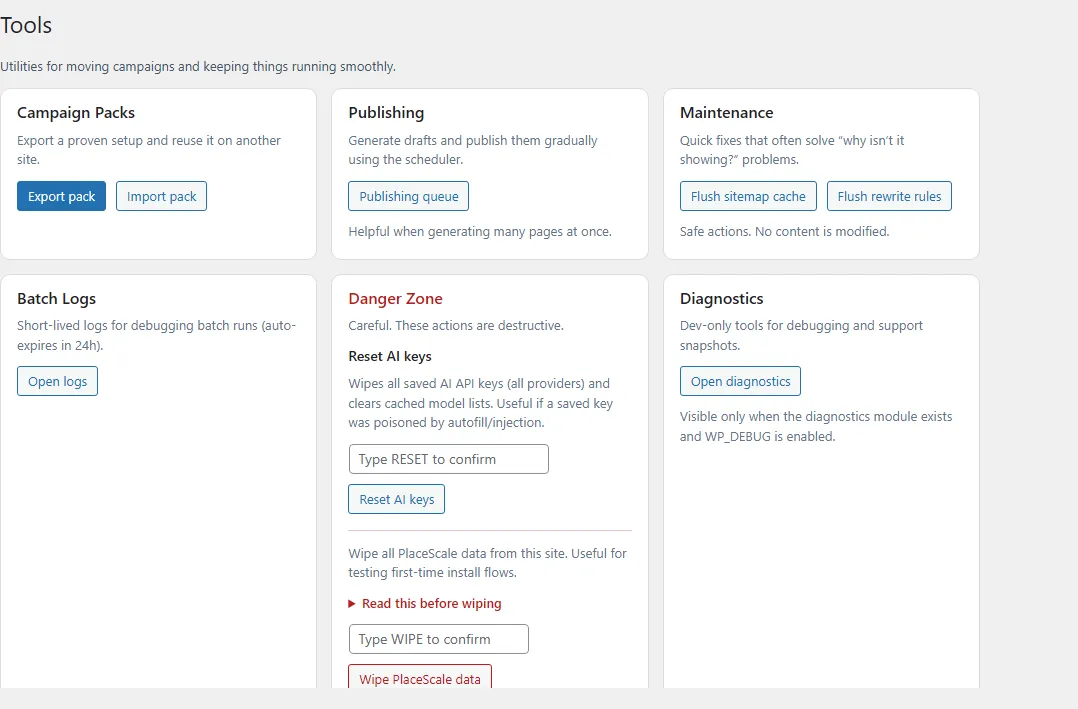
Publishing Queue
Open:
- PlaceScale → Tools → Publishing queue
This page shows the current scheduler state and lets you control it.
What you’ll see
Section titled “What you’ll see”- Status: running / paused
- Queued drafts: number of drafts/pending pages marked for publishing
- Next run: the next scheduled WP-Cron tick (if scheduled)
Start / Pause / Publish next
Section titled “Start / Pause / Publish next”- Open Tools → Publishing queue.
- Use Pause to stop scheduled publishing.
- Use Start to resume scheduled publishing.
- Use Publish next now to run one publish step immediately.
- Only drafts/pending pages with the publish queue marker are included.
- If “Next run” is empty, WP-Cron may not be scheduled or has been disabled.