
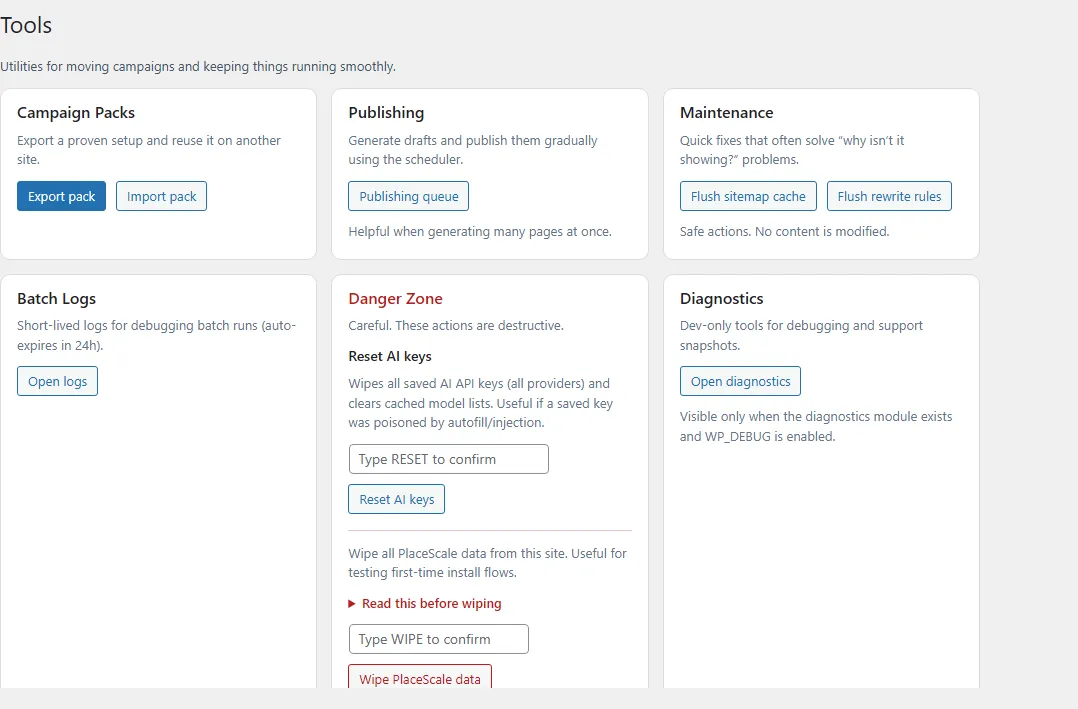
Batch Logs
Open:
- PlaceScale → Tools → Batch Logs
Batch Logs are designed for troubleshooting batch systems like:
- Bulk Generate
- AI Slot Queue
What appears in Batch Logs
Section titled “What appears in Batch Logs”Batch Logs are stored in custom database tables.
To keep the database small and relevant:
- successful jobs are not retained long-term
- logs are primarily kept for errors and cancellations
- old rows are pruned opportunistically when admin pages load
What you’ll see
Section titled “What you’ll see”Jobs list
Section titled “Jobs list”A list of recent jobs with fields like:
- time
- kind
- status
- total
- job key
Job detail
Section titled “Job detail”A job detail view shows:
- a summary (created/skipped/errors)
- an event list with timestamps and references
- the last error message (when applicable)
What to do with errors
Section titled “What to do with errors”- Fix the root cause (usually provider/key/model for AI, or template/terms for generation).
- Re-run the batch from the original screen:
- Bulk Generate
- Generated Pages → Generate AI Slots
If you’re reporting an issue, copy:
- the job key
- the last error
- a small set of example term combinations that reproduce it